Two practical workflows

Play the cue.
Control the prop.

CueLatch does two things: it plays ordered audio cues, and it controls believable screens on an Android prop handset.

01 / AUDIO

Audio cue playback.

Cut cues from a recording, put them in scene order and trigger them when needed. Playback can stay on the controller or be sent through the connected prop handset’s earpiece.
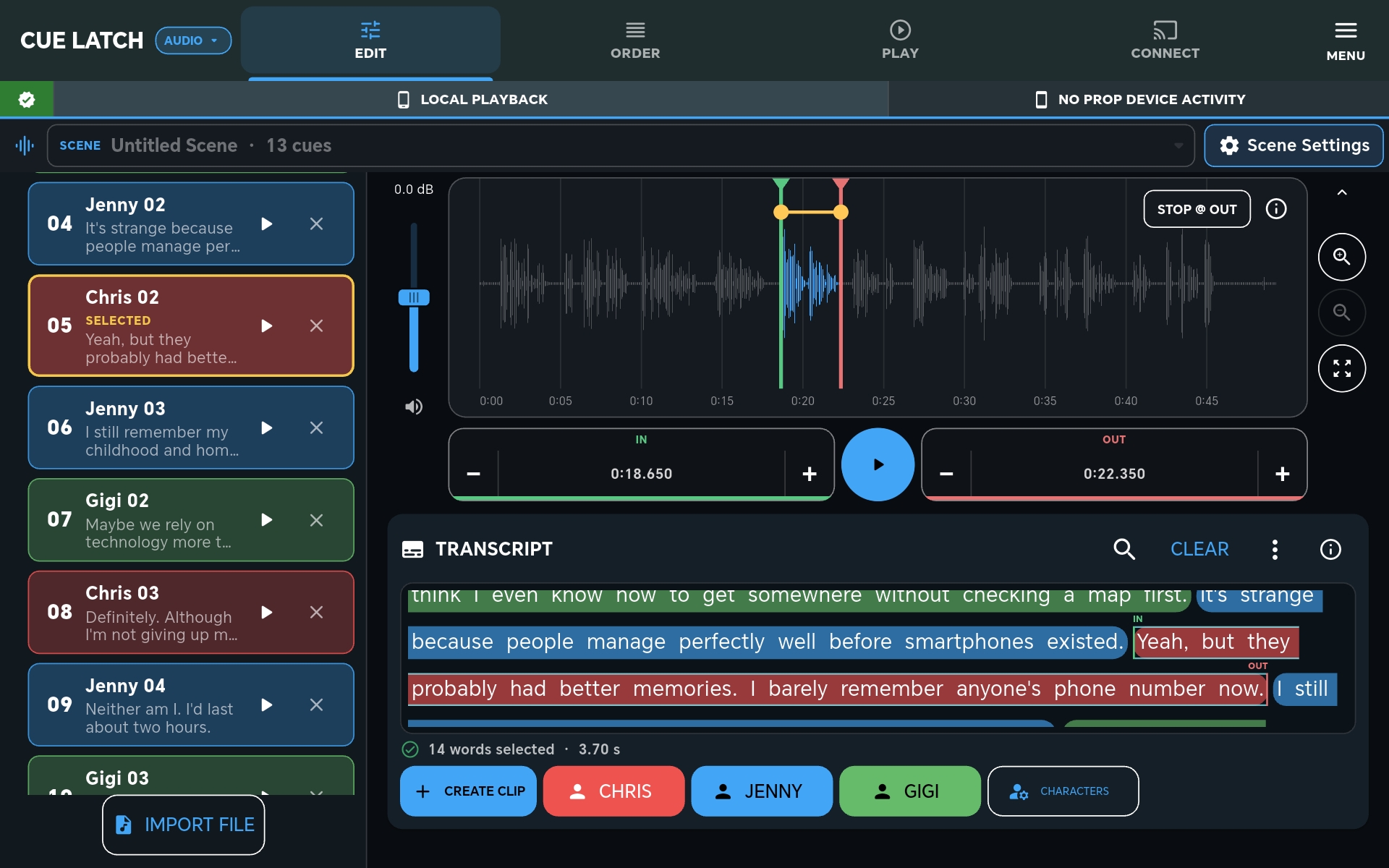
CueLatch waveform and transcript editor with a populated audio scene
PrepareSelect the moment against the waveform and transcript.
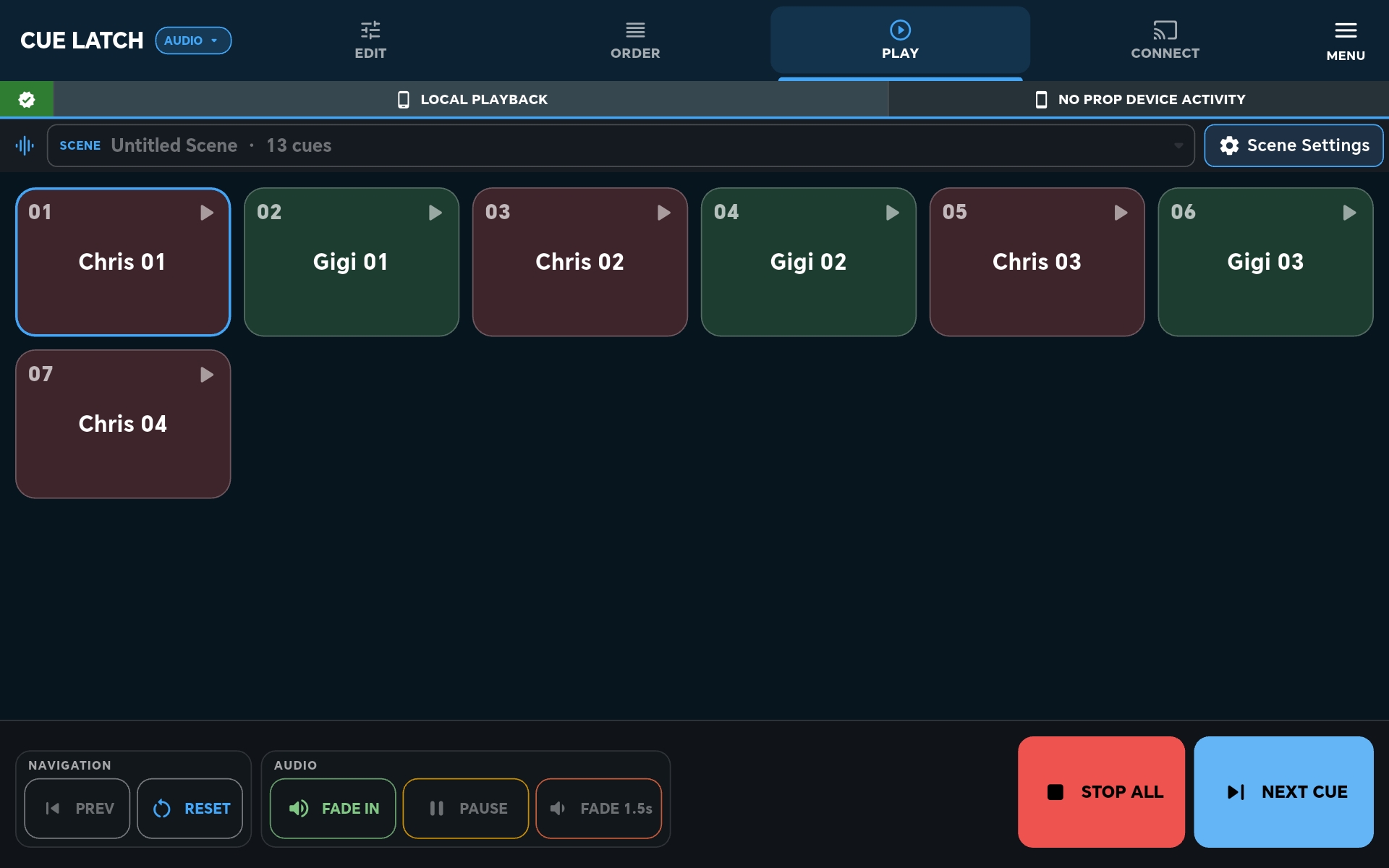
CueLatch audio cue buttons arranged in scene order
PlayKeep the scene’s labelled cues ready in one run screen.
PROP
HANDSET
RoutePlay a voice cue privately through the prop handset earpiece.
Waveform + transcript for finding and trimming dialogueOrdered cue buttons for repeatable playbackController or handset audio output

02 / PROPS

Prop screen control.

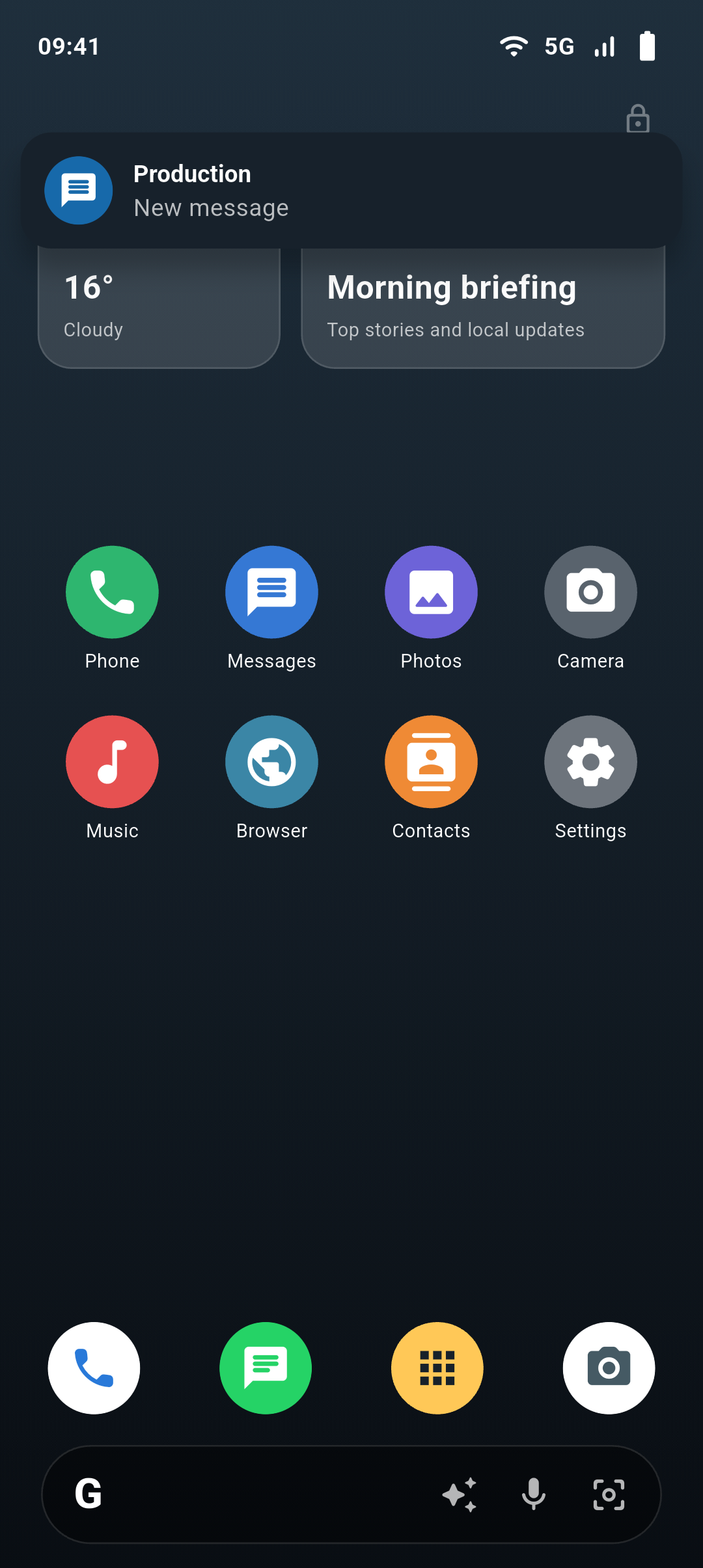
Connect an Android handset on the production network and control what appears on it. The operator stays off camera while the actor handles a convincing phone screen.
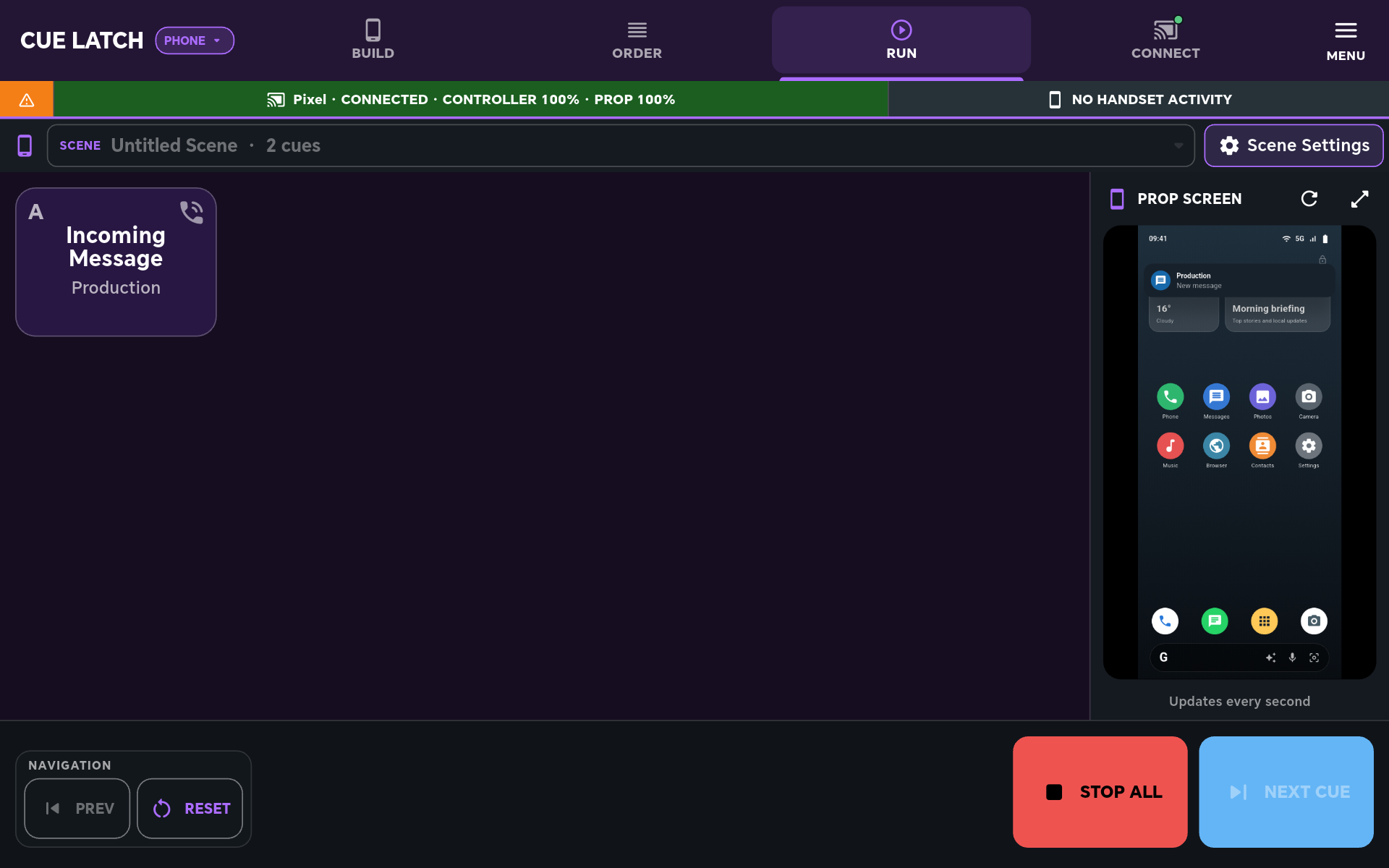
CueLatch prop controller with the connected handset screen visible
ControlSee the prop screen and trigger the next action remotely.
CueLatch simulated Android prop home screen
PresentGive the actor a familiar, believable phone interface.
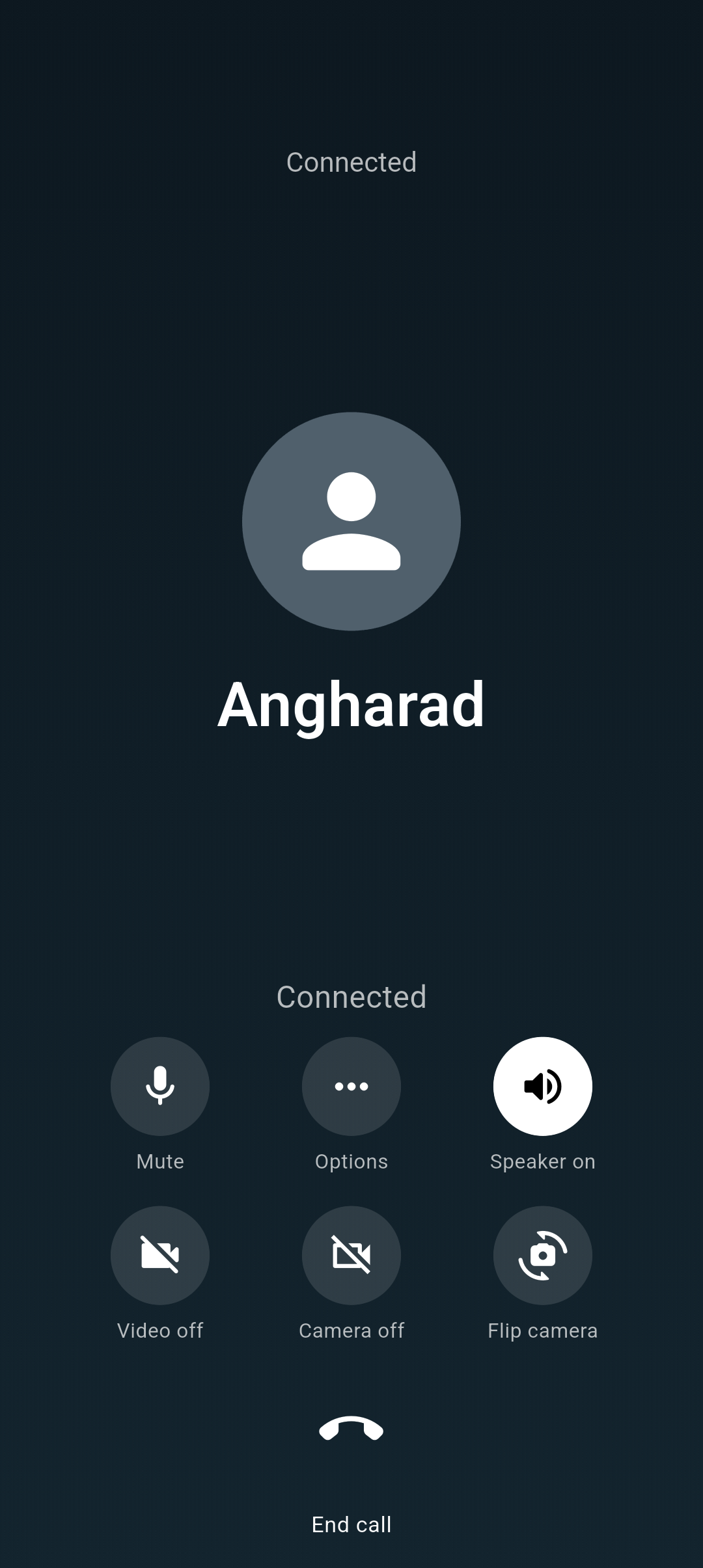
Incoming call displayed on the Android prop handset
TriggerRun calls, messages and screen events on cue.
Live screen view on the controllerCalls and messages triggered out of shotOperator exit press the handset’s top-right corner four times
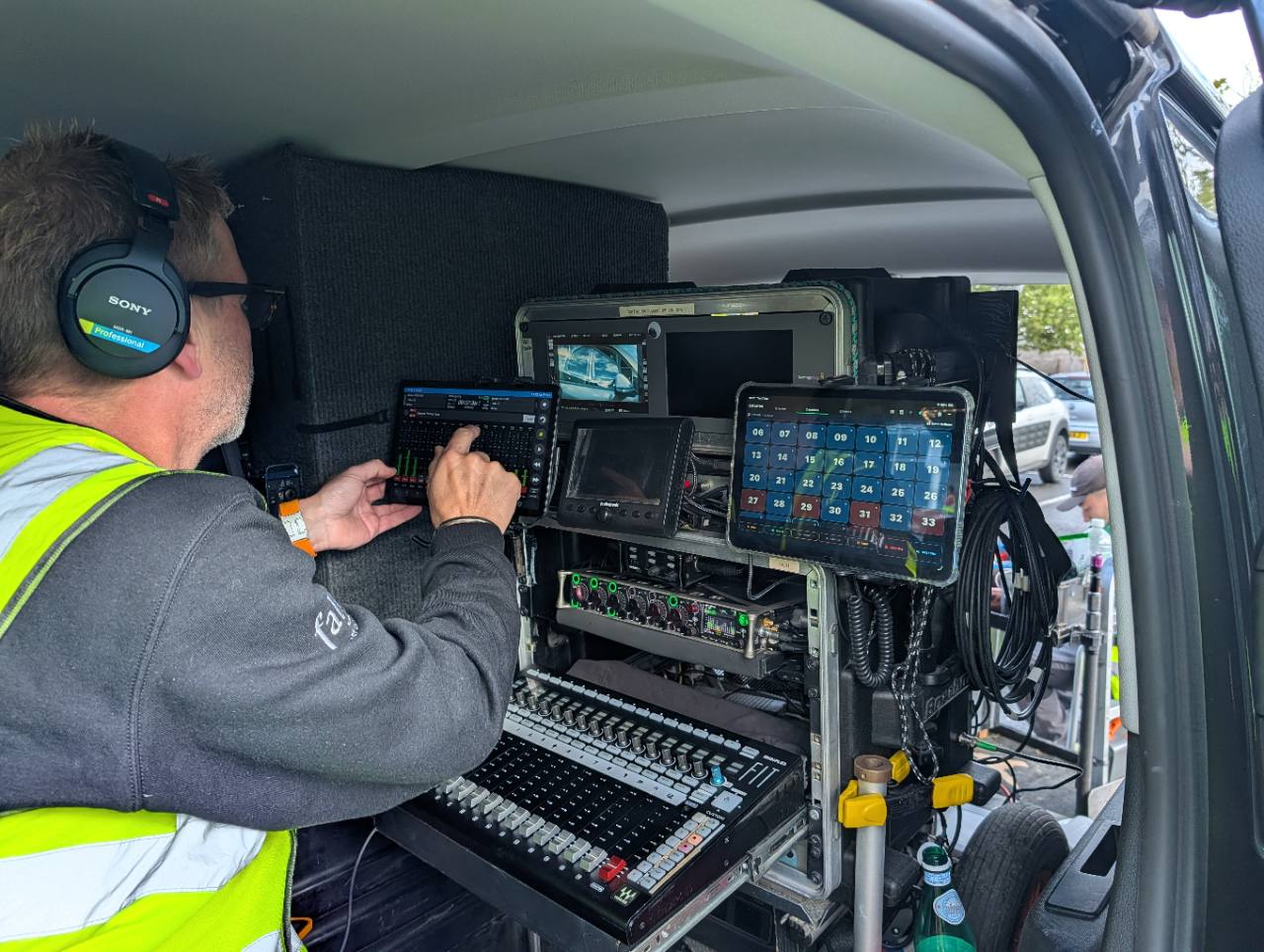
CueLatch in use beside a Sound Devices Scorpio-based production sound cart

In use on set

A small tool beside the sound cart.

CueLatch running alongside a professional Sound Devices Scorpio-based cart. It is designed as a focused cue and prop-phone tool—not a replacement for the rest of the production sound workflow.

Private testing

Help test CueLatch.

CueLatch is being refined with a small group of production professionals before wider release.

Get in touch